Here’s one small change that could improve iPhone Duo’s unoptimized apps
Michael Burkhardt | Nov 15 2026 - 1:44 pm PT
3 Comments
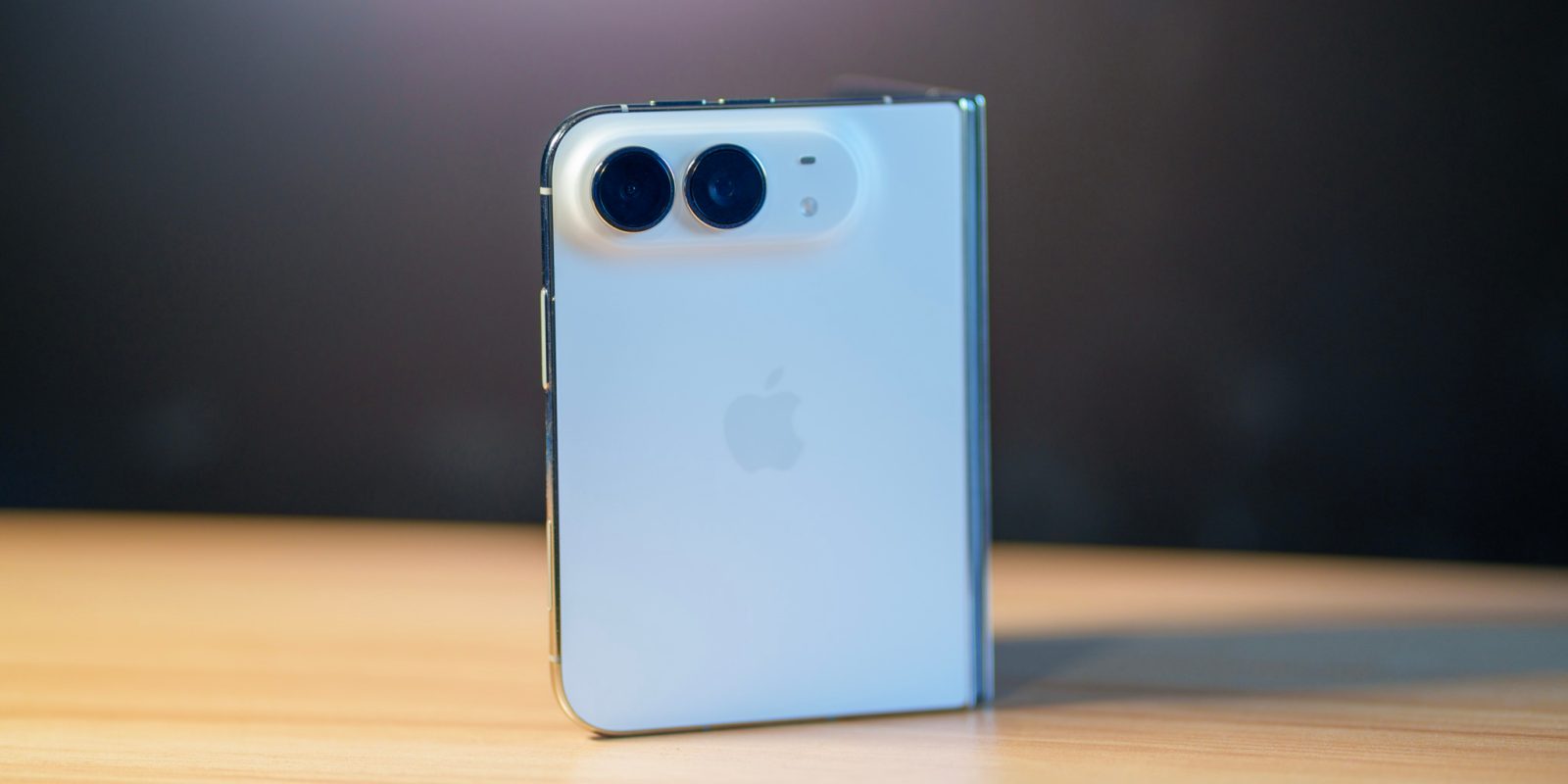
iPhone Duo has been out for about 3 weeks now, and I’ve happily been using mine since launch day. Many people have made a big deal about the app situation, but I’d largely say most apps I rely on are updated for iOS 27.0 at least.
That said, a fair number of apps are still from iOS 26 and earlier, and those apps have letterboxing. In my time since trying the phone, I feel one quick adjustment could make the letterboxing a lot less of an issue.
Right now, on the home screen, iPhone Duo allows you to long press an app and open it in Split View. All iPhone Duo apps allow Split View, even if the developer hasn’t compiled it for iOS 27 or 27.1.
One of the beautiful things about iPhone Duo Split View is the fact that you don’t have to decide what you’re splitting right away. On the other half of the display, you’ll see your home screen, and you can later decide what app to open.
iPhone Duo apps should have a default ‘open in split view’ option
So, given the fact that a non iOS 27 app will only occupy around half of the inner display anyways, I feel like it’d make sense to have an option to open every non-optimized app in Split View by default – rather than needing to select it every time. Or, better yet, toggle certain apps to always open in Split View.
Certain apps, even if they’re optimized for iOS 27, don’t quite feel right spread across the wider inner display of iPhone Duo – so it’d be nice to always have them in a half split without needing to think about it.
This would be a small UX improvement that I feel would go a long way, so if Apple could implement this on iPhone Duo – it’d certainly help out the app situation. While they’re at it, it’d be nice to have Slide Over on the iPhone Duo, for when you want to quickly see a smaller app on top of your full screen app.
Some of my favorite Apple accessory recommendations:



You’re reading 9to5Mac — experts who break news about Apple and its surrounding ecosystem, day after day. Be sure to check out our homepage for all the latest news, and follow 9to5Mac on Twitter, Facebook, and LinkedIn to stay in the loop. Don’t know where to start? Check out our exclusive stories, reviews, how-tos, and
Comments
Guides
LNK:https://9to5mac.com/guides/opinion/
Opinion pieces & commentary||

LNK:https://9to5mac.com/guides/iphone-duo/
iPhone Duo||
Author
Michael is a 9to5Mac Reporter, leading all of our Apple news coverage on weekends and reviewing the newest Apple products and accessories. He got started in the world of Apple news during the pandemic, and it became a growing hobby. He’s also an indie iOS developer, and started the weekly Indie App Spotlight series, which has covered hundreds of blooming new apps since it launched. In his free time, he enjoys shooting street photography around New York City on his Sony A7RV.
Michael Burkhardt's favorite gear

Anker 25K Compact Battery Bank
Featuring two built in cables, a built in display, multiple ports, a 25,000mAh capacity, and up to 100W of output - this is one of the best battery banks for recharging your entire Apple ecosystem on the go.||

AirPods Pro 2 (USB-C)
Despite a new version reportedly being around a corner, I still personally believe AirPods Pro 2 are a great deal. They're already equipped with USB-C, and continually gain new software features. With them consistently going on sale, it's a great purchase to make. Features like Adaptive Audio are incredible.||